

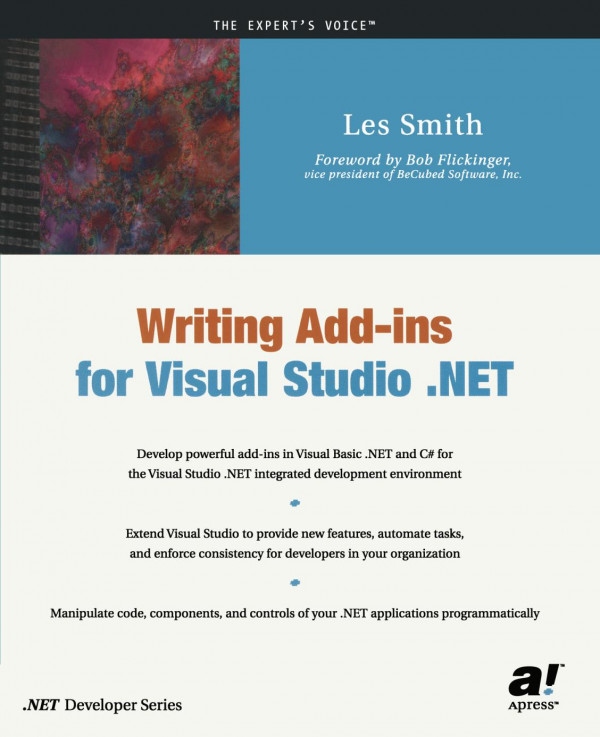
Writing Add ins for Visual Studio NET 1st Edition by Les Smith ISBN 1590590260 9781590590263


Original price was: $50.00.$35.00Current price is: $35.00.
Writing Add ins for Visual Studio NET 1st Edition by Les Smith – Ebook PDF Instant Download/Delivery: 1590590260, 9781590590263
Full download Writing Add ins for Visual Studio NET 1st Edition after payment
Product details:
ISBN 10: 1590590260
ISBN 13: 9781590590263
Author: Les Smith
Visual Studio .NET is the most extensible development environment Microsoft has released to date. Organizations create add-ins for many purposes: to speed common tasks, to ease code reuse within an organization, and to enforce rules and consistency among developers. Effective use of add-ins can dramatically improve developer efficiency and reduce costs.
Writing Add-Ins for Visual Studio .NET is designed to get add-in developers up to speed in developing ad-ins in Visual Studio .NET and to teach add-in development to developers who want to learn to write add-ins. Author Les Smith also provides enough real code examples to challenge even experienced add-in developers.
Smiths book begins by teaching readers how to use the Add-In Wizard to create the basic add-in framework. From there, he covers the manipulation of code in windows and controls, and the manipulation of projects. Writing Add-Ins for Visual Studio .NET explores in detail, how to create an add-in user interface, including toolbars, toolbar buttons, and multiple-level menus, as well as how to create a user interface in the system tray. Smith also addresses the migration of add-ins from VB 6.0 to VB .NET for those developers who have previous experience in writing add-ins.
One of the great challenges that add-in developers will encounter is finding the right classes from among the 3,400 classes in the .NET Framework. Smith teaches and demonstrates use of the Visual Studio add-in object model to show readers how to use the methods and properties and respond to events in order to enhance the power of the integrated development environment (IDE).
Table of contents:
-
What Is an Add-in?
-
Getting Started with the Add-in Wizard
-
The Smart Desktop Add-in
-
Debugging an Add-in
-
Manipulating Code in Windows
-
Manipulating Controls on Forms
-
The User Interface
-
The Macro Explorer and the Macros IDE
-
Manipulating Projects
-
Multiple Languages in Add-ins
-
Handling Automation Events
-
Putting It Together: Let’s Build a Real Add-in
-
Migrating VB 6.0 Add-ins to .NET
People also search for:
writing visual studio extensions
writing c# in visual studio code
visual studio add-ins
writing c# in vs code
writing a visual studio extension